Guides to making photo dumps and selfie dumps.
Practical, step-by-step guides to turning a full camera roll into a post people actually swipe through. Every guide works with just your phone's Photos app — SelfieDump is optional.
All guides
-
 Guide · 10 steps
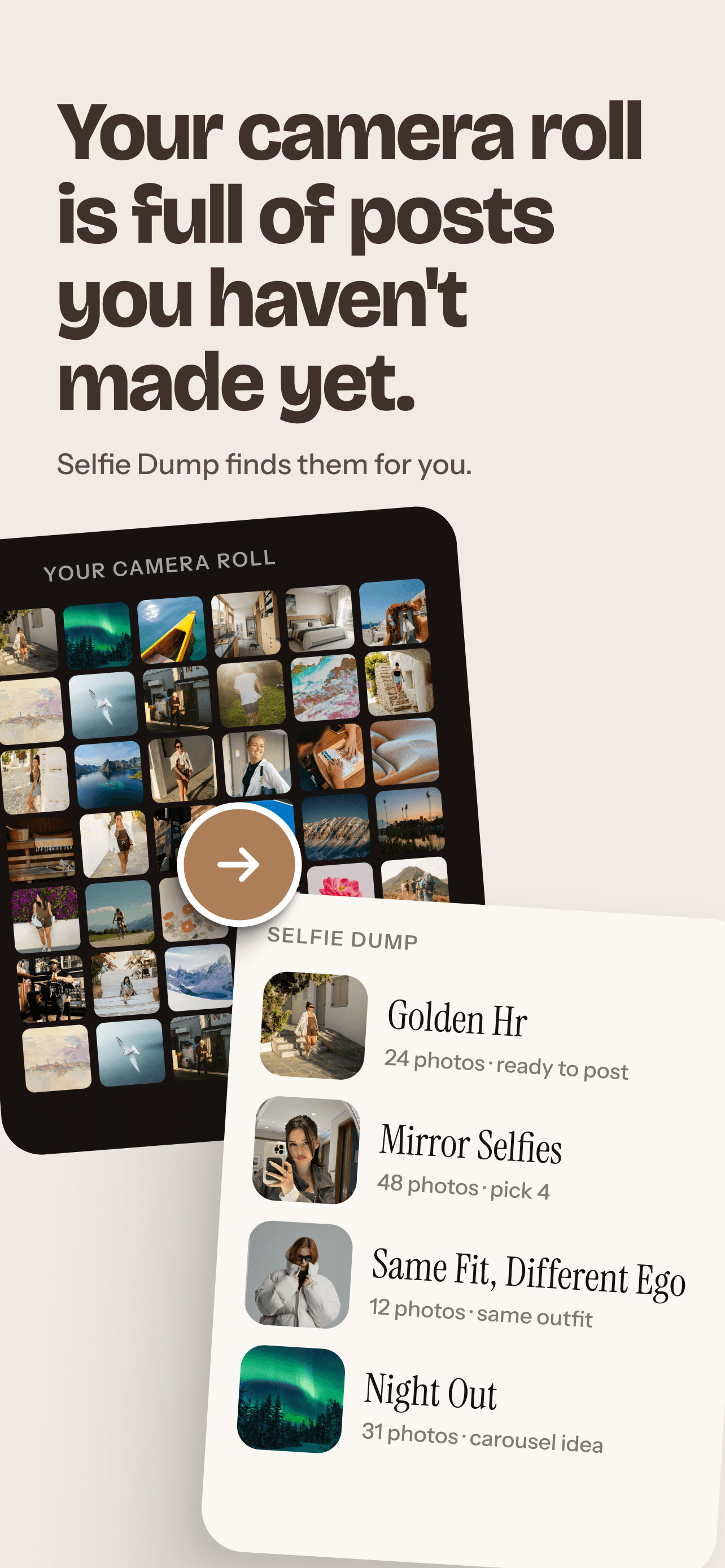
How to make a photo dump
From a full camera roll to one carousel: pick a theme, narrow it down, cut the near-duplicates, choose an opening shot, put it in order and caption it.
Best for: A mix of moments from a trip, a week, a month or an event.
- Choosing photos
- Carousel order
- How many photos
- Captions
- Ideas
Updated -
 Guide · 5 steps
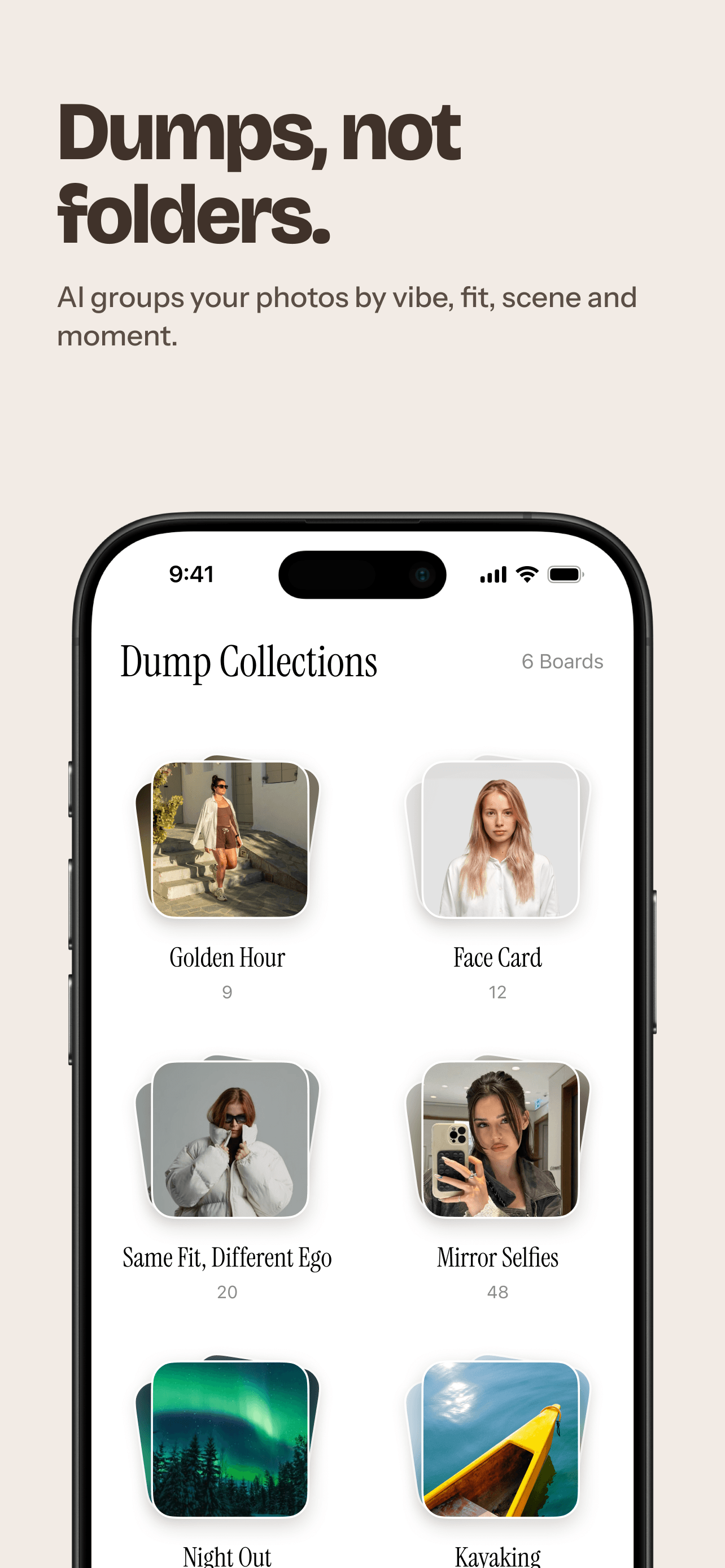
How to make a selfie dump
Turn a camera roll full of near-identical selfies into a varied set: close-ups, mirror shots, fits and a few context photos, in an order that works.
Best for: Posts that are mostly you: selfies, mirror shots and fit checks.
- Choosing selfies
- Mirror selfies
- Ordering
- Captions
- Ideas
Updated


More ways to get started
Ready to try it on your own photos? Start with the app, the browser demo, or a challenge.
-
AI Collage maker
How SelfieDump turns 2–12 of your photos into one square or 9:16 collage, and what's sent to AI providers when you make one.
-
Browser demo
Arrange a collage, set a carousel order and pick a caption vibe with your own photos. Nothing is uploaded.
-
Challenges
SelfieDump challenges give you a reason to post your next dump.
Your next post is already in your camera roll.
SelfieDump finds the photos worth posting, groups them and suggests an order — on your iPhone. See how the photo dump maker works.
Download SelfieDump